onlinesabha

Portals

One system. Three portals.

Citizens, officers and administrators work on the same data through screens made for their job. A change in one place shows up everywhere instantly.

Citizen portal

For residents and businesses

  • Find services, documents and fees
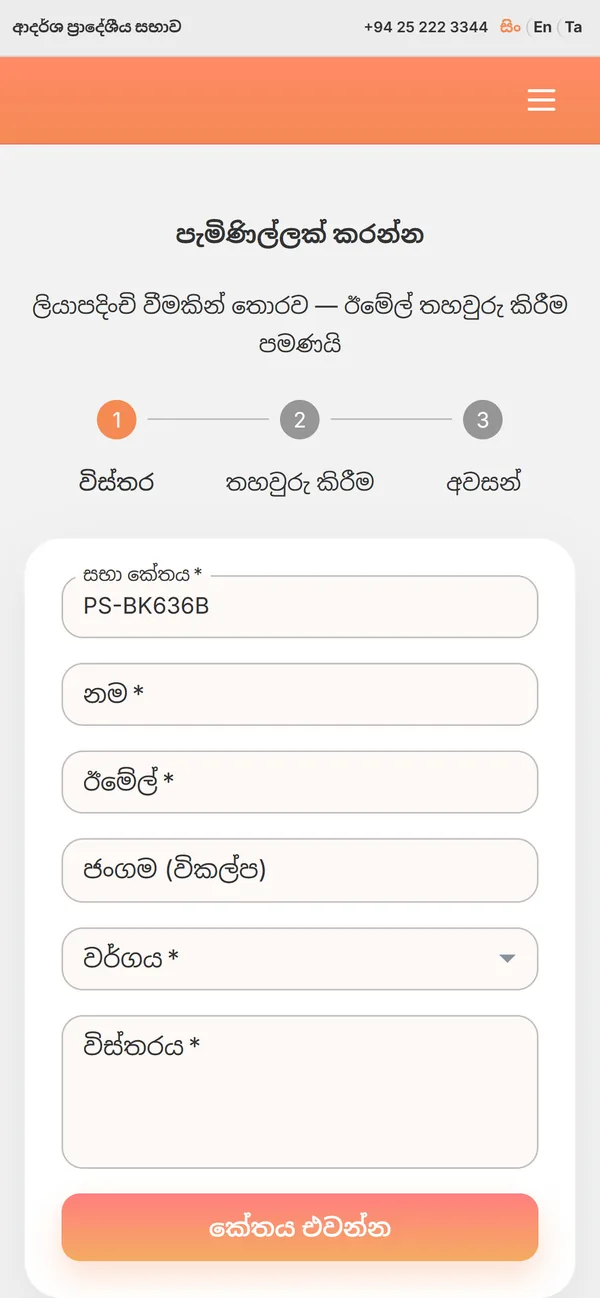
  • Applications, bookings and complaints
  • Request progress and payments
  • Council decisions, projects and notices

Management portal

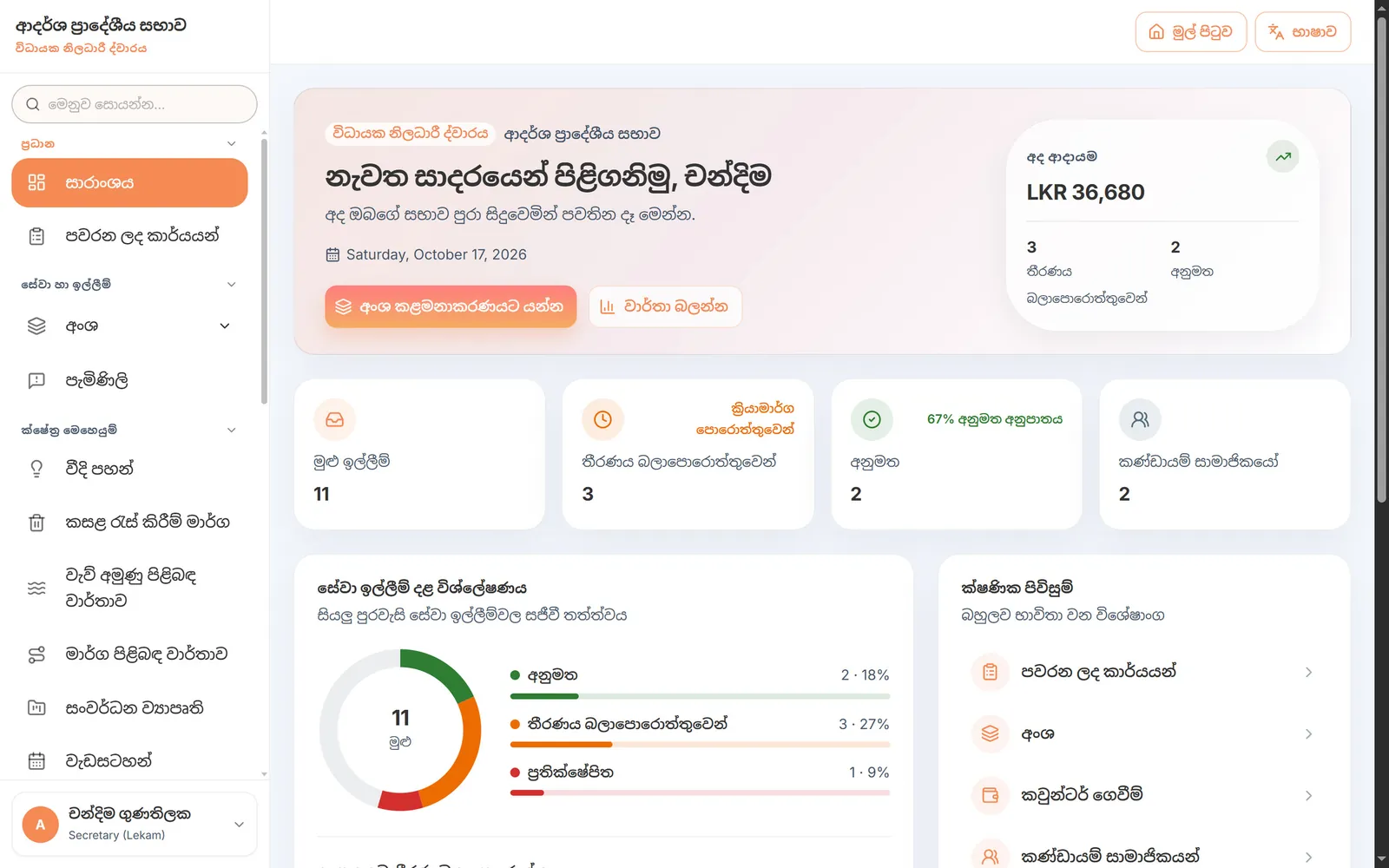
For the secretary, officers and staff

  • Review and approve requests
  • Revenue and counter payments
  • Accounts, vouchers and procurement
  • Assets, field work and reports
+
PS-BK636B●
PS-KG218A●
PS-MT104C○

Admin portal

For system administration

  • Register and activate councils
  • Chairperson and secretary accounts
  • Payment gateway settings
  • Data kept separate per council

One secure source of truth

Requests, payments, accounts and documents are linked in one place — nothing is typed twice.

  1. 1Citizen applies
  2. 2Officer approves
  3. 3Counter collects
  4. 4Books update
  5. 5Reports go live

Easy to use

Simple. Clear. In your language.

OnlineSabha is built for everyday council officers and ordinary citizens — not computer experts.

For citizens

Four steps on a phone

  1. 1Open the portalIn any phone or computer browser.
  2. 2Choose a serviceSee documents, fees and instructions up front.
  3. 3ApplyFill in the form and attach documents; get a reference number.
  4. 4Track progressStatus, fees due and issued documents.

For officers

Four steps at the office

  1. 1Sign inWith the council code, email and password.
  2. 2See assigned tasksEvery request routed to you, in one list.
  3. 3Review and decideApprove, reject or send back for correction.
  4. 4Issue documentsLicence, certificate or receipt as a PDF.
Nothing to installWorks in any web browser.
On any devicePhones, tablets and computers.
Three languagesSinhala, English, Tamil — one click to switch.
Menu searchType a screen's name to find it.
Officer instructionsStep-by-step guidance for every service.
Training and supportHands-on, role-based training.

Citizen portal

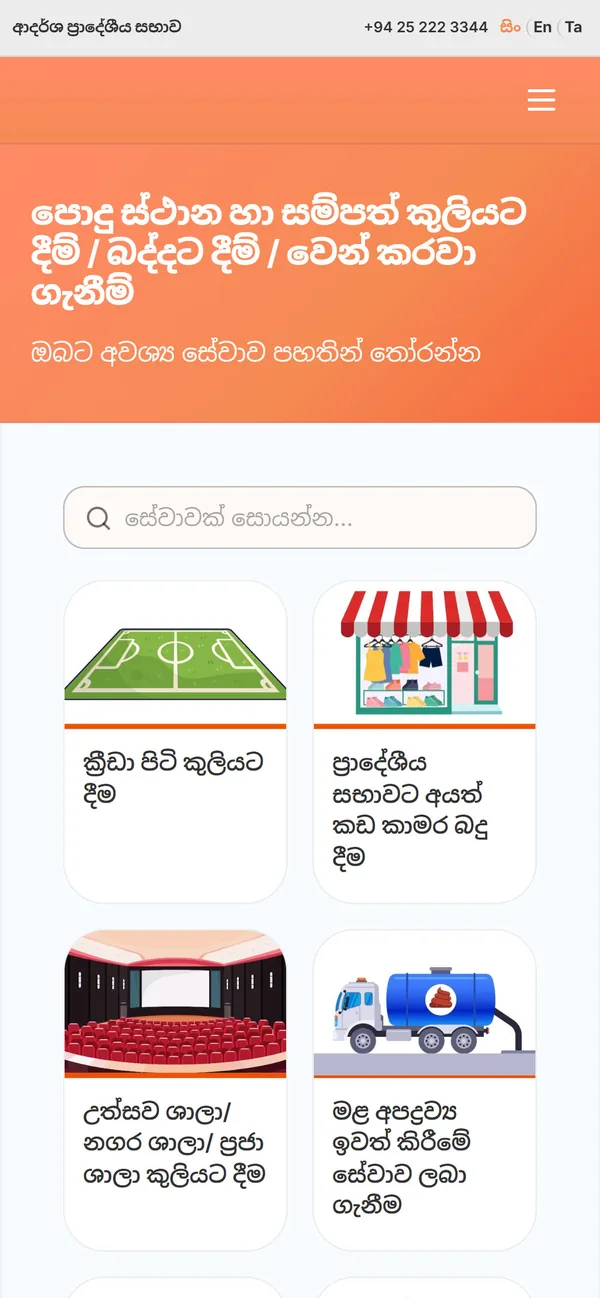
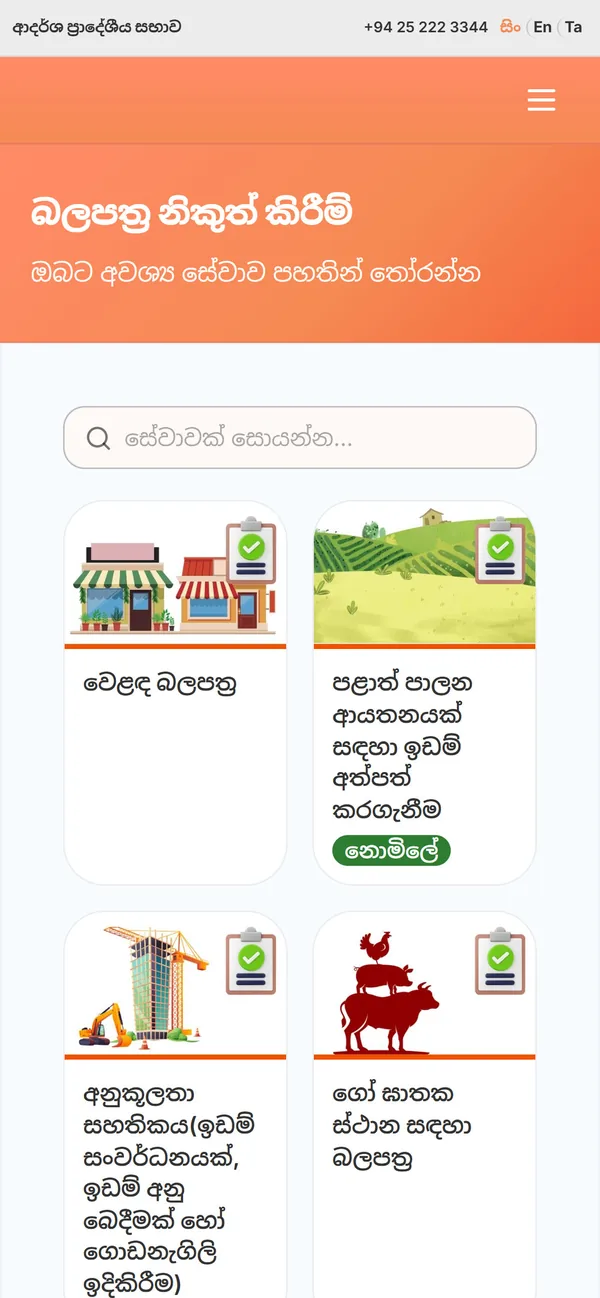
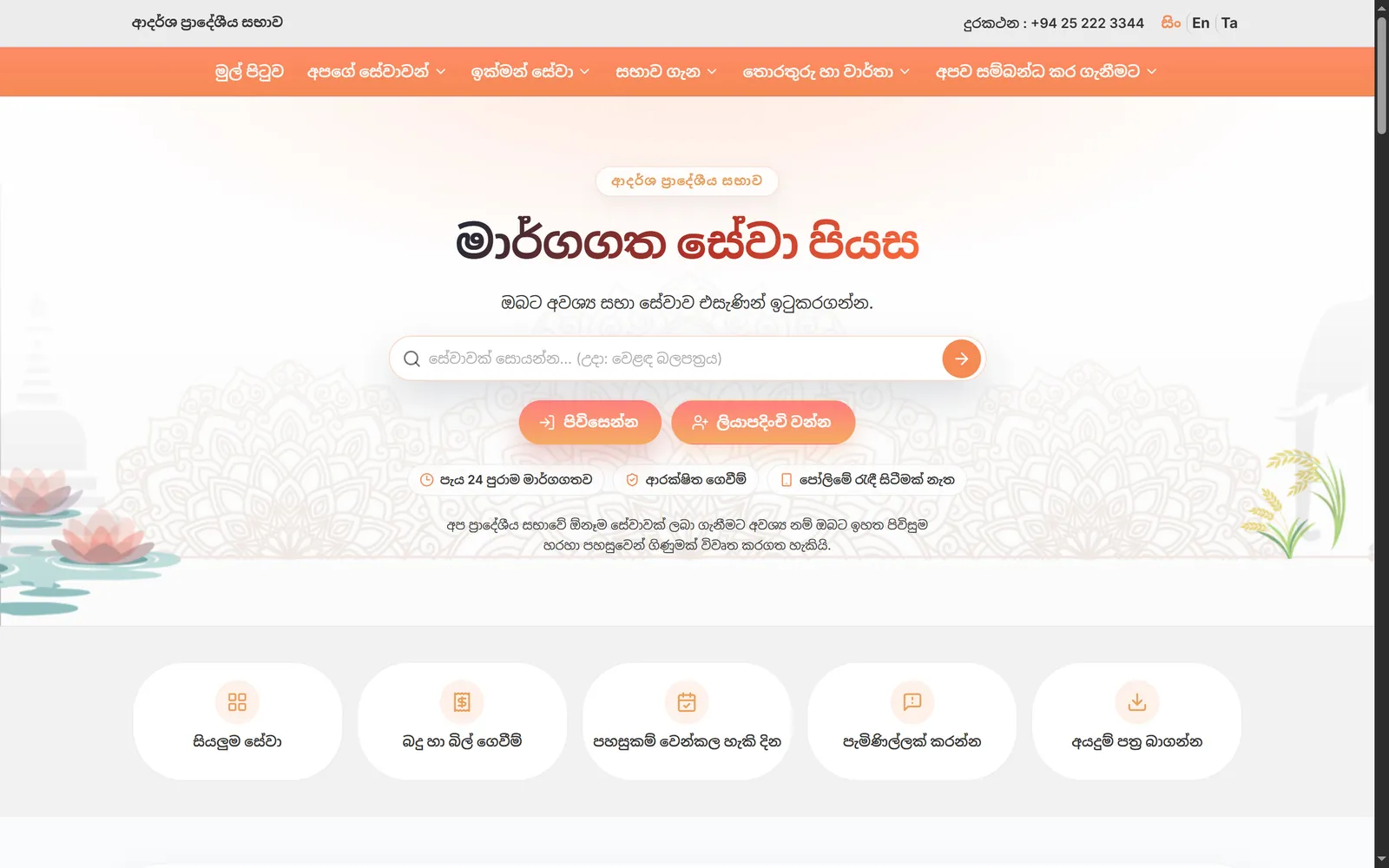
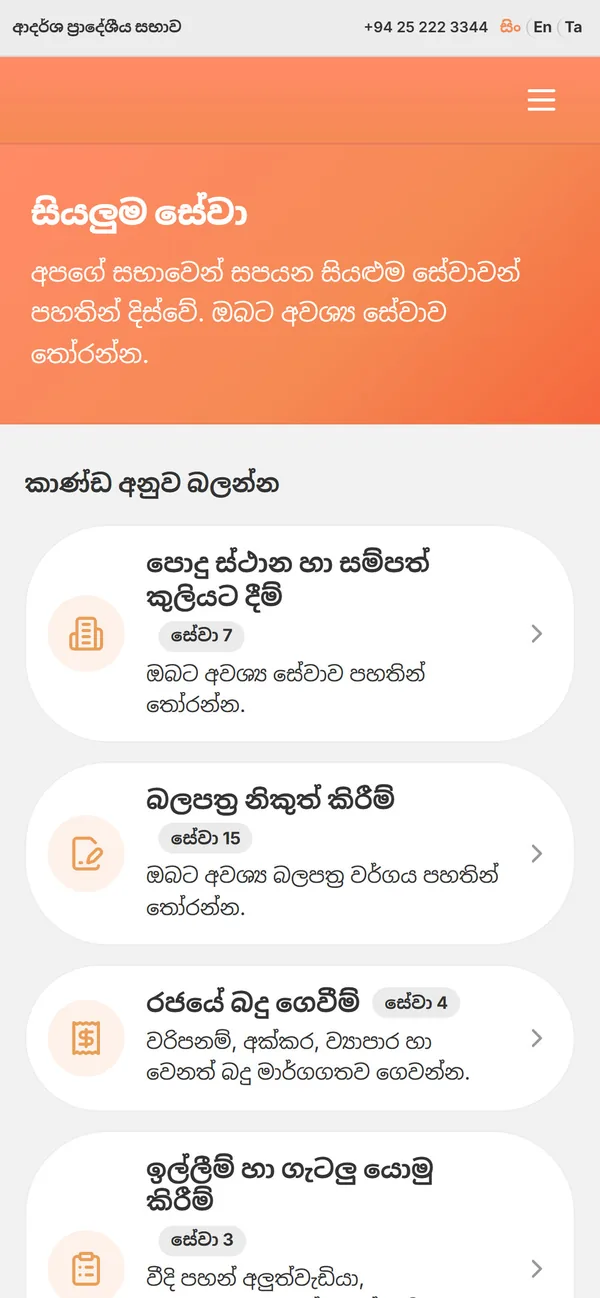
The council, in every citizen's hand.

Most people go online from a phone. So the citizen portal was designed for the phone first — big, thumb-friendly and simple.
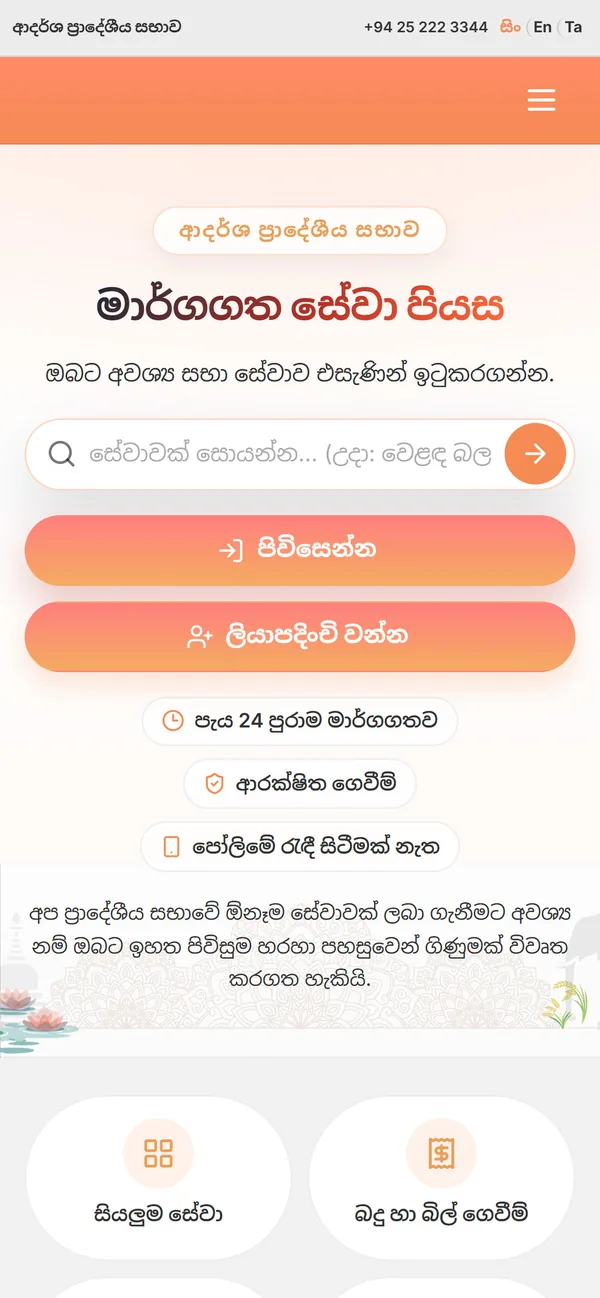
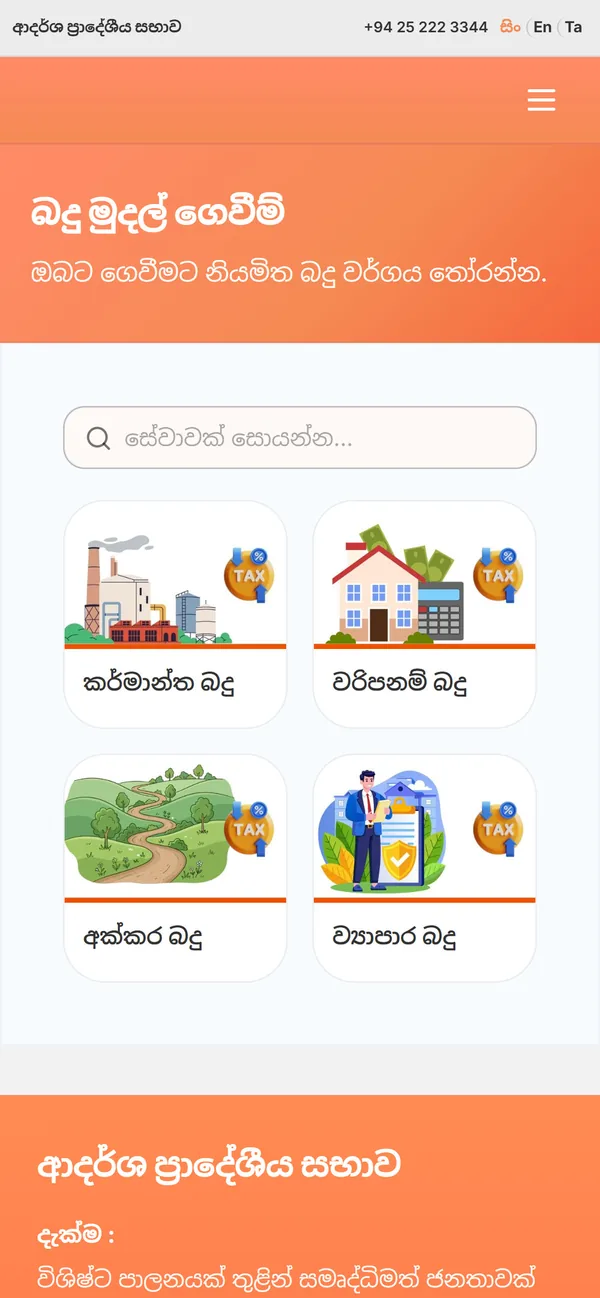
  1. 1Open the portalIn any phone or computer browser — nothing to install.
  2. 2Choose a serviceSee documents, fees and instructions up front.
  3. 3ApplyFill in the form and attach documents; get a reference number.
  4. 4Track progressStatus, fees due and issued documents.
Online services home
All services
All services
Pay taxes
Pay taxes
Book facilities
Book facilities
Licences
Licences
Make a complaint
Make a complaint
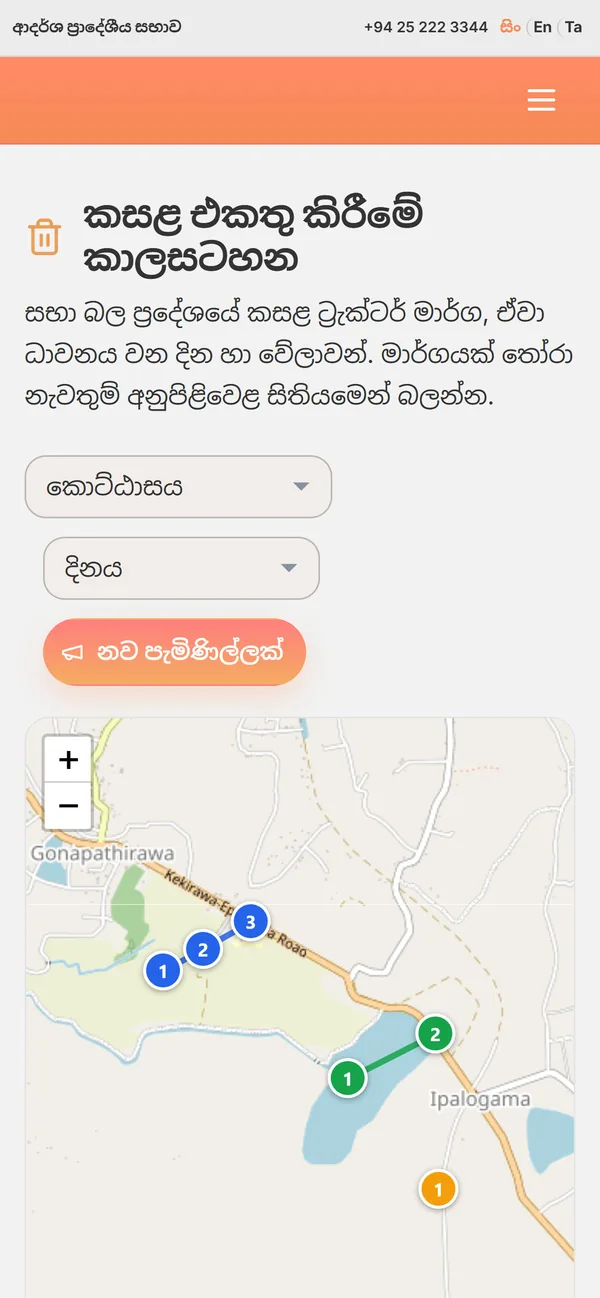
Waste schedule
Waste schedule
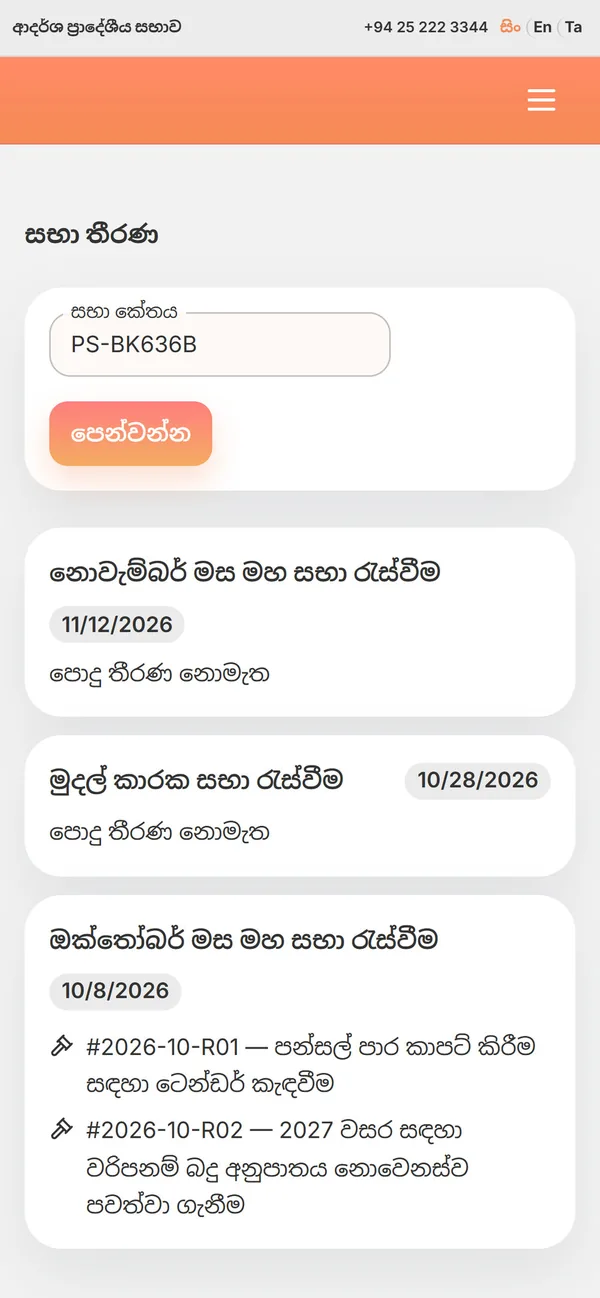
Council decisions
Council decisions
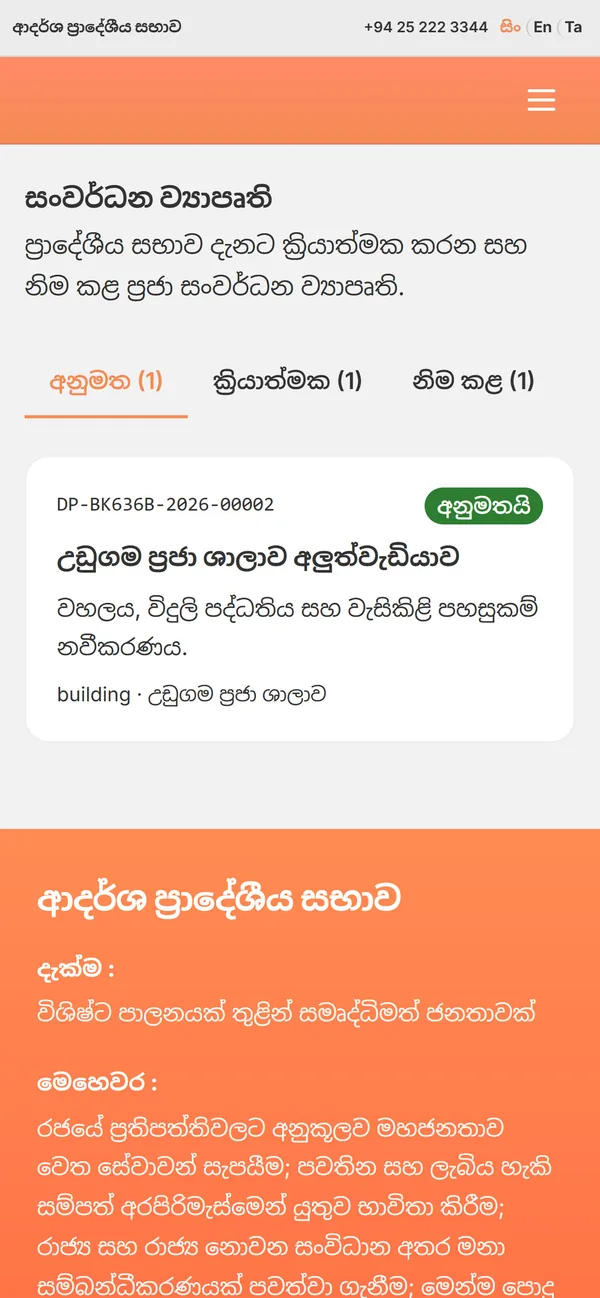
Development projects
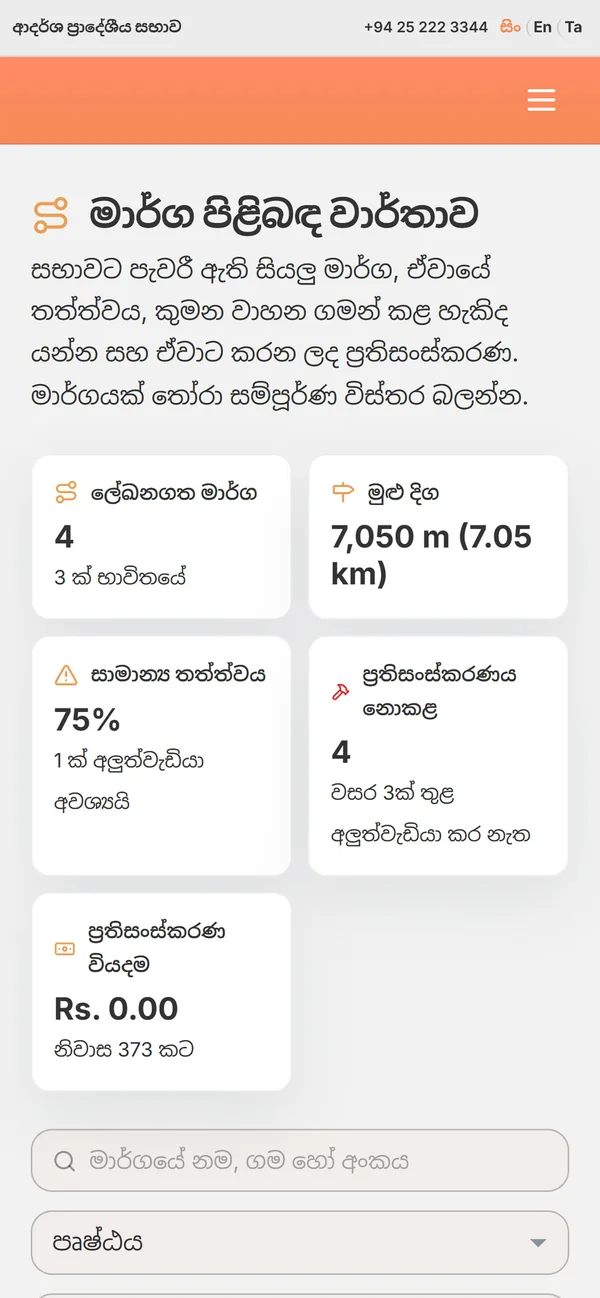
Road report
Road report

Offer these services in your council.

We'll set OnlineSabha up with your council's services, fees and forms and show it to you live.

Request a live demo